Why Do Our New Maintenance Technicians Take So Long to Get Up to Speed?
Laszlo Habensusz
المؤلف
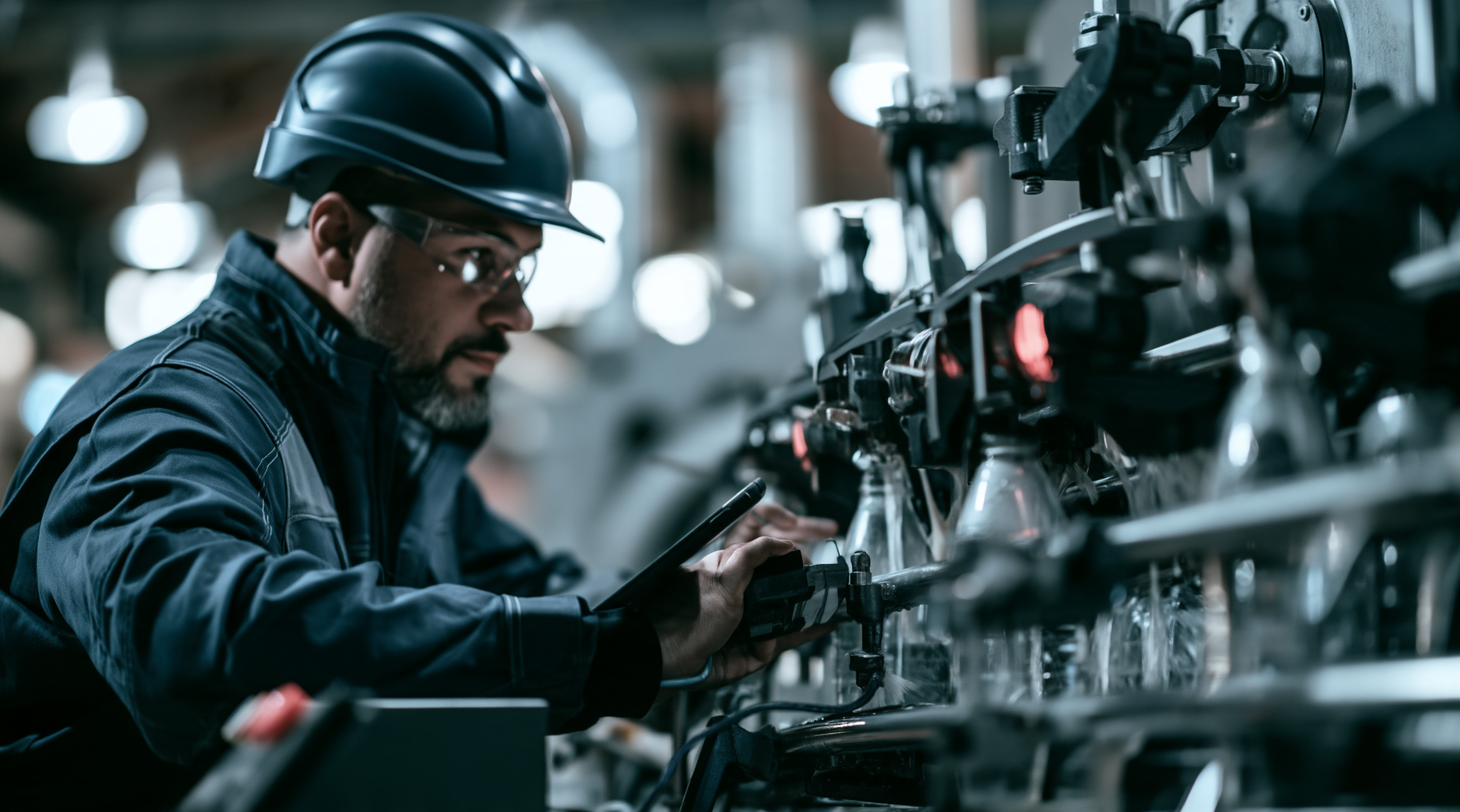
It's 02:30 AM on Tuesday, the middle of the night shift at your beverage packaging plant. The high-speed Krones Modulfill VR rotary filler, responsible for 600 bottles a minute, grinds to a sudden halt. Bottles are overflowing at station 7, product is spilling onto the conveyor, and the "Sensor Error" light blinks red. Downstream, the KHS Innoket pressure-sensitive labeller and the palletizer are now starved, their operators standing by, waiting.
Alex, your newest maintenance technician, has been on the team for three months. He's a quick learner, but this specific fault – a misaligned proximity sensor (let's say a SICK WTB12-3P2411) on a particular filling valve – is something he's only seen Maria, the veteran lead tech, fix once. He vaguely remembers her saying something about "checking the gap," but the exact procedure, the specific torque, and the precise calibration steps are fuzzy. He tries calling Maria, but she's home, asleep. He fumbles through a dusty binder marked "Krones Filler Manuals," but the troubleshooting section is generic, not specific to this common, recurring issue. The line stays down. Production falls behind, product is wasted, and Alex feels the pressure mount. This is why your new maintenance technicians take so long to get up to speed: the critical procedures and troubleshooting steps for your most frequent machine faults live in the heads of your busiest people, not in an accessible, actionable format.
The problem isn't Alex's aptitude; it's the system – or lack thereof – for knowledge transfer. In many small-to-mid-size manufacturing plants, the maintenance department operates on what's often called "tribal knowledge." Maria knows how to fix the Modulfill's sensor because she's done it a hundred times over fifteen years. She's seen every nuance, heard every subtle change in the machine's hum before a failure. This isn't just about general mechanical skills; it's about the institutional memory tied to specific machines, specific failure modes, and specific fixes.
When a new technician like Alex joins, they're often thrown into a "shadowing" model. They follow Maria, watch her work, and try to absorb decades of experience through osmosis. This works fine for a few machines or simple tasks. But when your plant has fifty, eighty, or a hundred different pieces of equipment – each with its own quirks, common failure points, and specialized repair procedures – shadowing becomes an inefficient, almost impossible, training method. Maria is too busy fighting today's fires to patiently walk Alex through every single troubleshooting step for every single machine. She's needed on the main processing line, or the chillers, or another critical piece of equipment.
The usual workarounds quickly collapse under pressure:
- Spreadsheets: Useful for listing assets or tracking basic parts, but they can't capture the nuanced, step-by-step diagnostic and repair procedures for a specific sensor fault on a rotary filler.
- The Whiteboard: Great for daily tasks or urgent notes, but temporary. Detailed troubleshooting guides for a complex machine like a high-speed labeller simply don't fit and certainly don't persist.
- The WhatsApp Group: Excellent for quick communication ("Line 3 is down, need an extra hand!"), but it's not a repository for structured maintenance knowledge. Alex can't scroll back three months to find Maria's brief explanation of the Modulfill sensor fix amidst a thousand other messages.
- One Veteran's Memory: This is the core of the problem. When that veteran is busy, on holiday, or eventually retires, that institutional memory walks out the door. The plant is left vulnerable, and new technicians are left to learn by expensive trial and error, leading to extended downtime and increased frustration.
The root causes are clear: a lack of formalized, easily accessible, and continuously updated maintenance procedures. Specific failure modes, like the Modulfill's sensor misalignment or a persistent label jam on the KHS Innoket, often require very precise adjustments. If these aren't documented clearly, with photos or diagrams, new technicians will always struggle to replicate the fix efficiently. It's not just about knowing *what* to fix, but *how* to fix it, with the right tools, the right sequence, and the right specifications.
How iTenance Solves the New Technician Onboarding Challenge
Imagine the same scenario, but this time your plant runs on iTenance. It's 02:30 AM, the Krones Modulfill VR has stopped with the same overflow and sensor error at station 7. Alex, the new technician, is on duty.
- Immediate Access to Asset History: Instead of fumbling for binders, Alex pulls out a rugged tablet. He logs into iTenance and navigates to the Asset Registry. He searches for "Krones Modulfill VR." Immediately, he sees the machine's full maintenance and failure history.
- Finding the Specific Fix: Alex quickly scans the asset's history and finds several past instances of "Modulfill VR - Overflow at Station 7 - Sensor Error." He clicks on the most recent completed Work Order for this issue.
- Step-by-Step Guidance via Checklists: Within that past work order, Maria (or another tech) had documented the fix. Crucially, it links to a specific Preventive Maintenance checklist template designed for this common fault. This isn't just a generic manual entry; it's a step-by-step procedure:
- "Step 1: Safely shut down and lockout Modulfill VR."
- "Step 2: Locate SICK WTB12-3P2411 proximity sensor at filling valve 7. (See attached diagram for location)."
- "Step 3: Check sensor gap using feeler gauge. Target gap: 2.0 mm +/- 0.1 mm. (Photo: Correct gap example)."
- "Step 4: If gap is incorrect, loosen retaining nut, adjust sensor position, and re-tighten to 5 Nm torque."
- "Step 5: Clean sensor lens with lint-free cloth."
- "Step 6: Power up Modulfill VR, run short cycle, verify sensor reading and bottle fill level on HMI."
- AI Assistant Support: Alex can even use the optional AI assistant. He types in a plain-language request like "Modulfill VR overflow sensor error station 7." The AI assistant parses this, identifies the common fault, and suggests the most relevant work order and associated troubleshooting checklist, further accelerating his search.
- Executing the Repair and Documenting Lessons: Alex follows the checklist. Each step he completes, he marks off on his tablet. He successfully adjusts the sensor, cleans it, and brings the Modulfill back online. The line hums back to life. He then adds his own notes to the work order, perhaps a detail he noticed about the retaining nut or a tip for easier access.
- Real-time Status and Notifications: As Alex works, the Work Order status updates in iTenance. The supervisor, even if asleep, could potentially receive an alert that a critical machine is down (if configured) and then see the work order status change from "Pending" to "In Progress" to "Completed" on their phone upon waking.
- Supervisor Review and Skill Development: The next morning, Maria or the maintenance supervisor reviews the Reporting dashboards. They see the completed work order for the Modulfill VR, the time it took Alex, and his detailed notes. This data feeds into the People module, helping to track Alex's progress and identify specific areas where he might need further training, turning every completed work order into a learning opportunity. The system helps in skill-gap analysis, ensuring that future assignments consider technician qualifications.
- Preventive Measures: Furthermore, if this sensor misalignment is a recurring issue, the historical data in iTenance's Asset Registry and Reporting highlights it. This might prompt the creation of a new Preventive Maintenance schedule – perhaps a time-based or meter-based recurring PM to check and calibrate that specific sensor every month, *before* it causes an overflow. If the Modulfill had IoT sensors installed, iTenance could even detect a subtle drift in the sensor's performance trend, triggering a PM work order for calibration *before* a breakdown occurs, allowing Alex to perform the procedure proactively and learn without the pressure of a stopped line.
With iTenance, the knowledge is no longer tribal; it's institutionalized, accessible, and actionable. New technicians become useful faster because they have a digital mentor in their pocket, guiding them through complex procedures with clarity and precision. This reduces downtime, improves maintenance quality, and ensures that critical operational knowledge persists, regardless of who is on shift or who moves on.
Your Practical First Step This Week
Don't try to digitize every procedure for every machine overnight. Pick one critical machine on your packaging line – perhaps the Krones Modulfill VR or the KHS Innoket labeller – and identify one common, recurring fault that often causes downtime. Create a simple, step-by-step checklist for troubleshooting and fixing that specific fault. Even if you start with just a few bullet points in a document, the act of formalizing it is the first step. Then, when that fault occurs next, have a technician use that documented procedure and refine it. This small act immediately begins to capture that critical knowledge and make it accessible, setting the foundation for a more efficient and resilient maintenance operation.
الأسئلة الشائعة
How does iTenance ensure the procedures stay updated and accurate?
When a technician completes a work order, they can add notes or suggest edits to existing checklists based on their experience. Supervisors review these changes, ensuring the procedures are continuously improved and reflect the most current and effective methods.
Can iTenance help if we have multiple plants with similar equipment?
Yes, iTenance offers multi-site premises management. This allows you to standardize procedures, share best practices, and compare performance metrics across all your plants from a single platform, ensuring consistent training and maintenance quality.
What if our new technicians are not comfortable with tablets or digital systems?
iTenance is designed for ease of use with an intuitive interface. The AI assistant can also parse plain-language requests, making it simpler for technicians to interact with the system without extensive training. Initial hands-on guidance from a supervisor can quickly build confidence.
How does iTenance track a technician's progress and skill development?
The system records every work order a technician completes, along with the time taken and specific tasks performed. This data feeds into the People module, allowing managers to track individual performance, identify skill gaps, and assign targeted training to help technicians grow.
الوسوم
Laszlo Habensusz
المؤلف
مشاركات ذات صلة
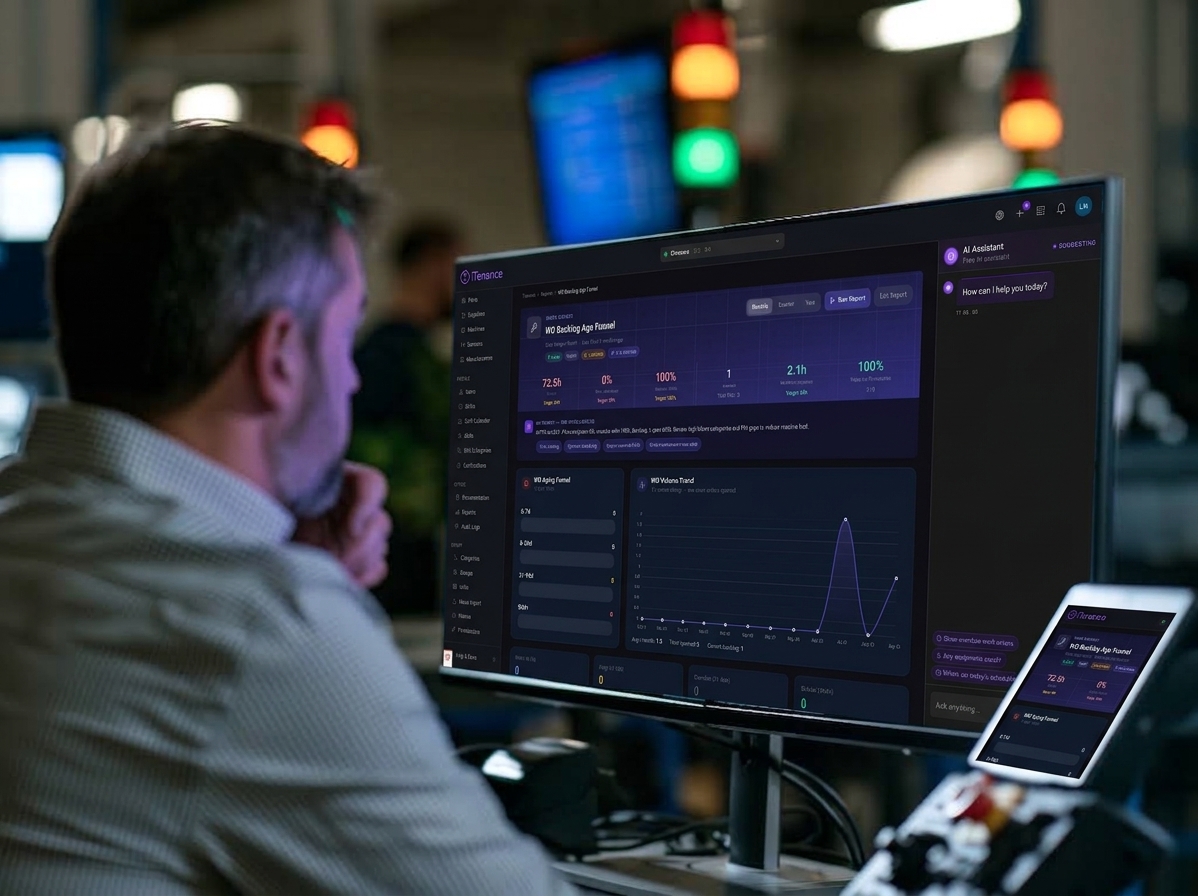
Why Can't I Tell Which Plant Is Really Struggling with Downtime?
Sep 21, 2026 · 6 min read
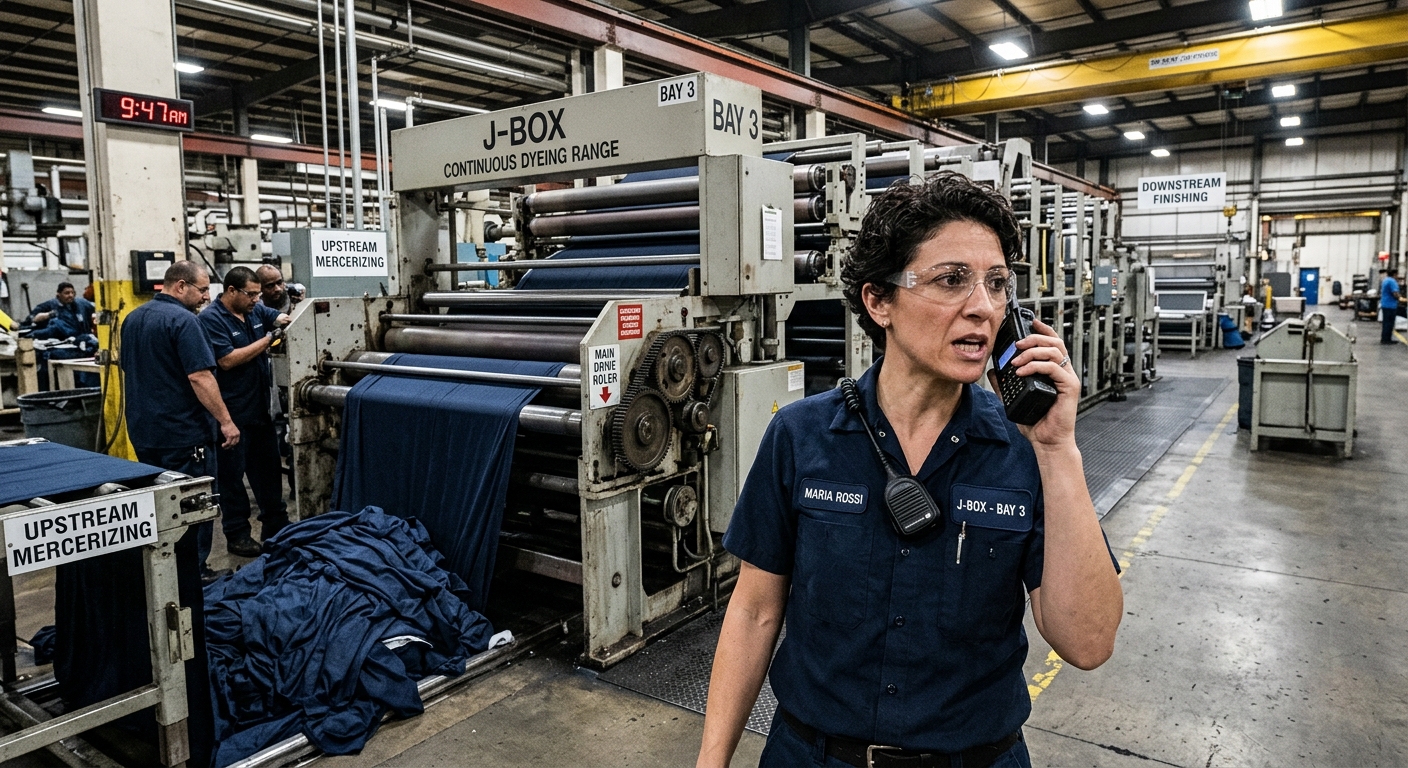
Machine Down: Why Do We Always Find Out We're Out of Spares Mid-Repair?
Aug 16, 2026 · 7 min read
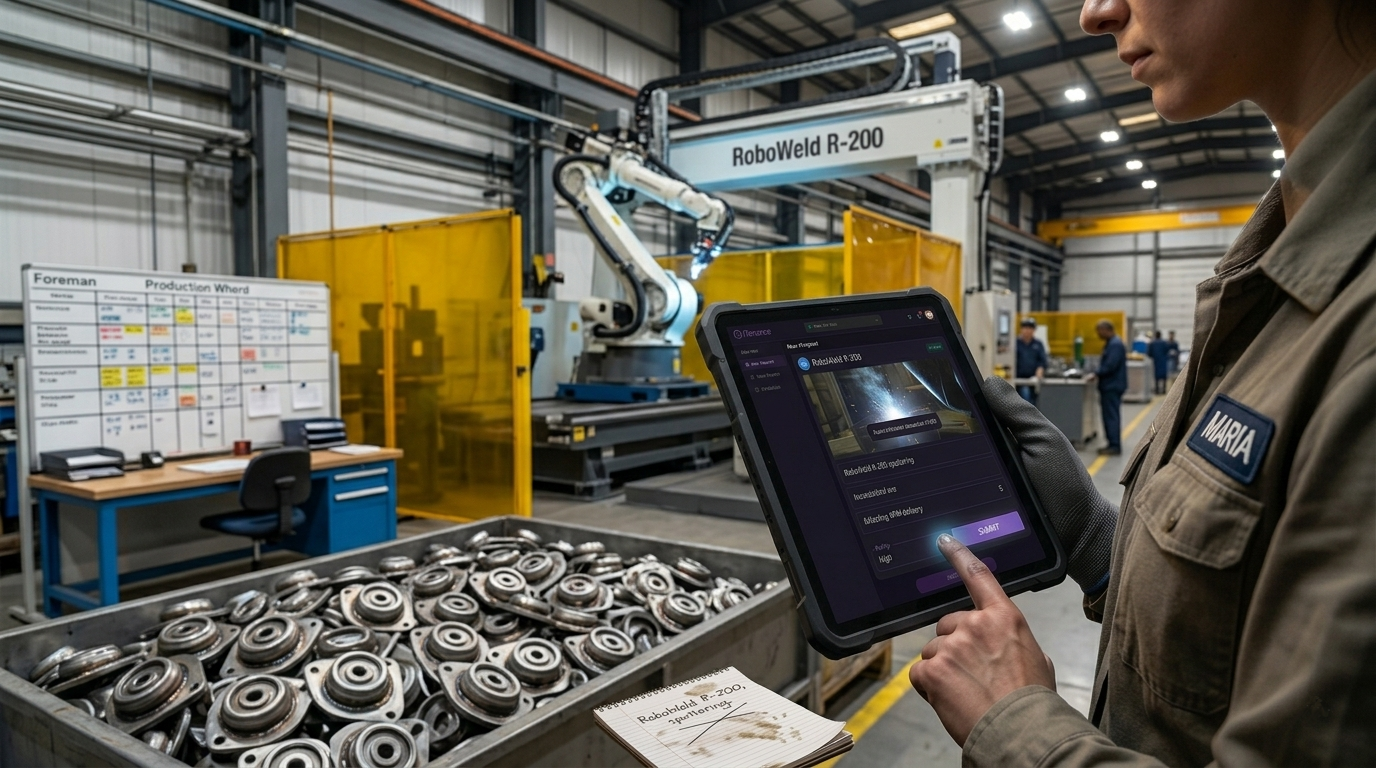
A 10-Minute Walkthrough That Shows Where Your Maintenance Requests Really Go
Aug 11, 2026 · 8 min read
هل أنت مستعد لتحسين صيانتك؟
ابدأ تجربتك المجانية لمدة 30 يومًا اليوم. لا تتطلب بطاقة ائتمان، ولا توجد رسوم خفية.